User guide

If you have purchased an eSIM, please review the guide below.
1
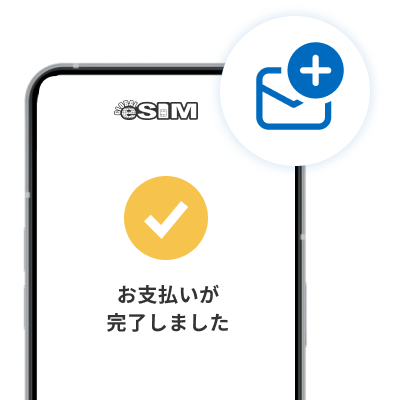
A payment confirmation email will be sent
to the email address you provided at purchase.
2
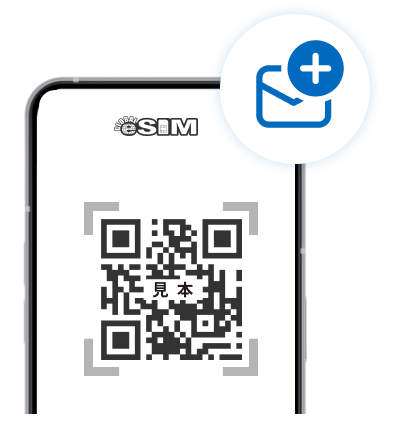
After 1–2 minutes, you will receive a product email
containing the eSIM QR code.
If you purchase multiple eSIMs, you will receive one email per item.
3
Simply install the received eSIM
on the device you want to use.
※Please note that emails may end up in your spam folder.
※If you do not receive the email after 10 minutes, please contact customer support.
※An internet connection such as public Wi-Fi is required to install the eSIM.
※For Android devices, APN settings may be required.